Find the Printer beside Morton
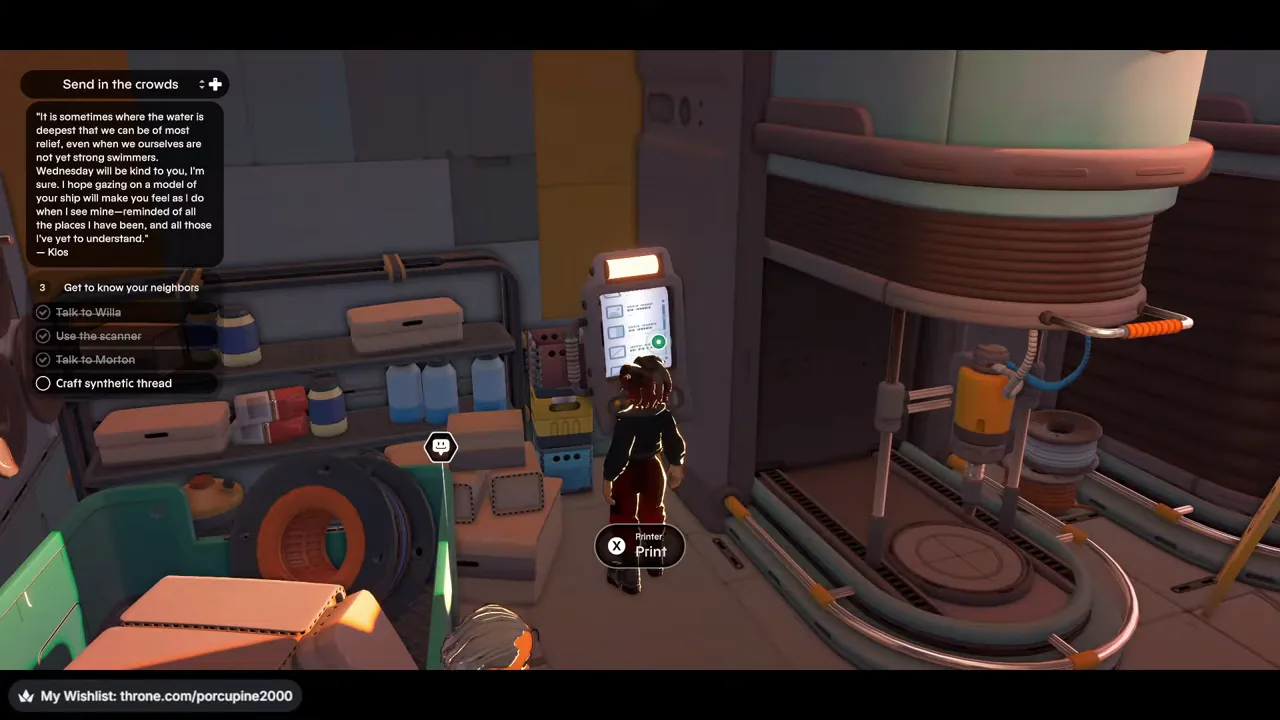
Finish the earlier conversation steps until the tracked objective reads Craft synthetic thread. In the recorded route, the Printer is the tall machine beside the larger fabrication equipment near Morton. Approach its small screen and use the Print interaction. If your control prompt differs from the pictured X button, follow the action label shown in your game.
Select Synthetic thread and check the recipe
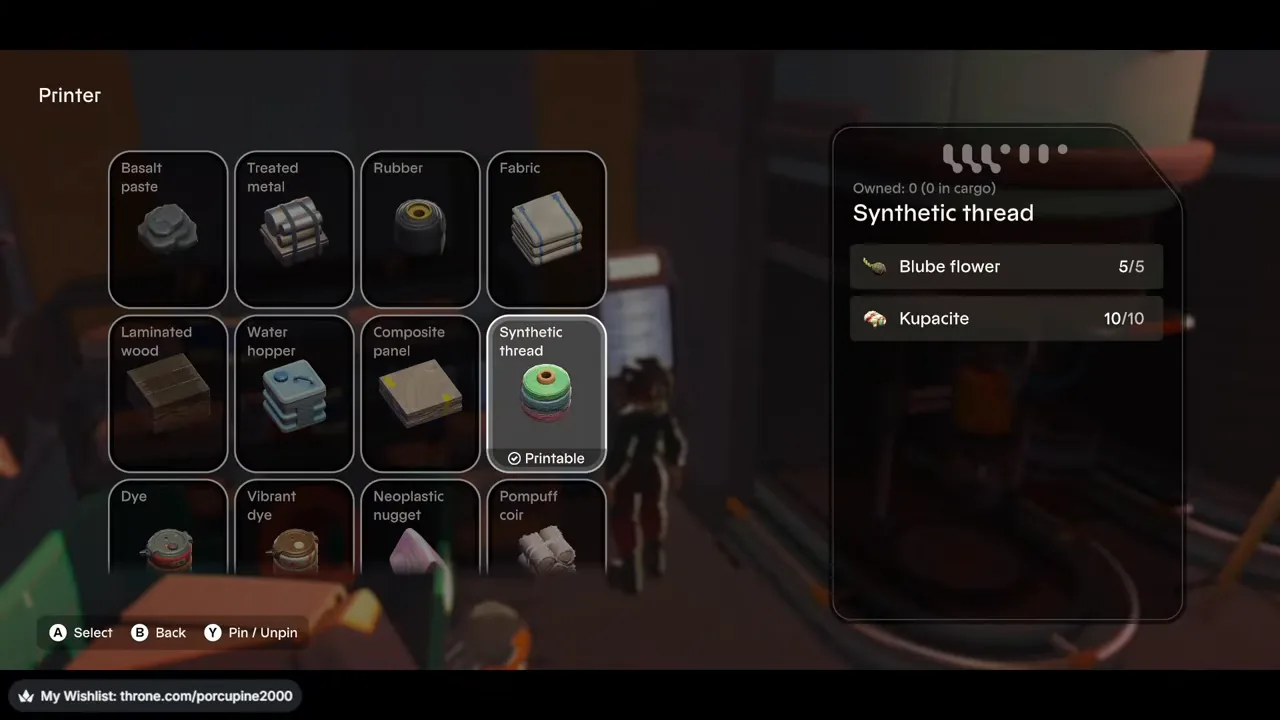
In the Printer menu, move to Synthetic thread. The recorded recipe shows Blube flower 5/5 and Kupacite 10/10, with Owned 0 and the recipe marked Printable. Read the owned and required counts on your current screen before printing rather than assuming a later build uses the same amounts.
For a broader list of the site’s observed Workbench and Printer cards, use the recipe reference. The recipe page separates ordinary crafting inputs from historical Printer-repair notes.
Print one Synthetic thread
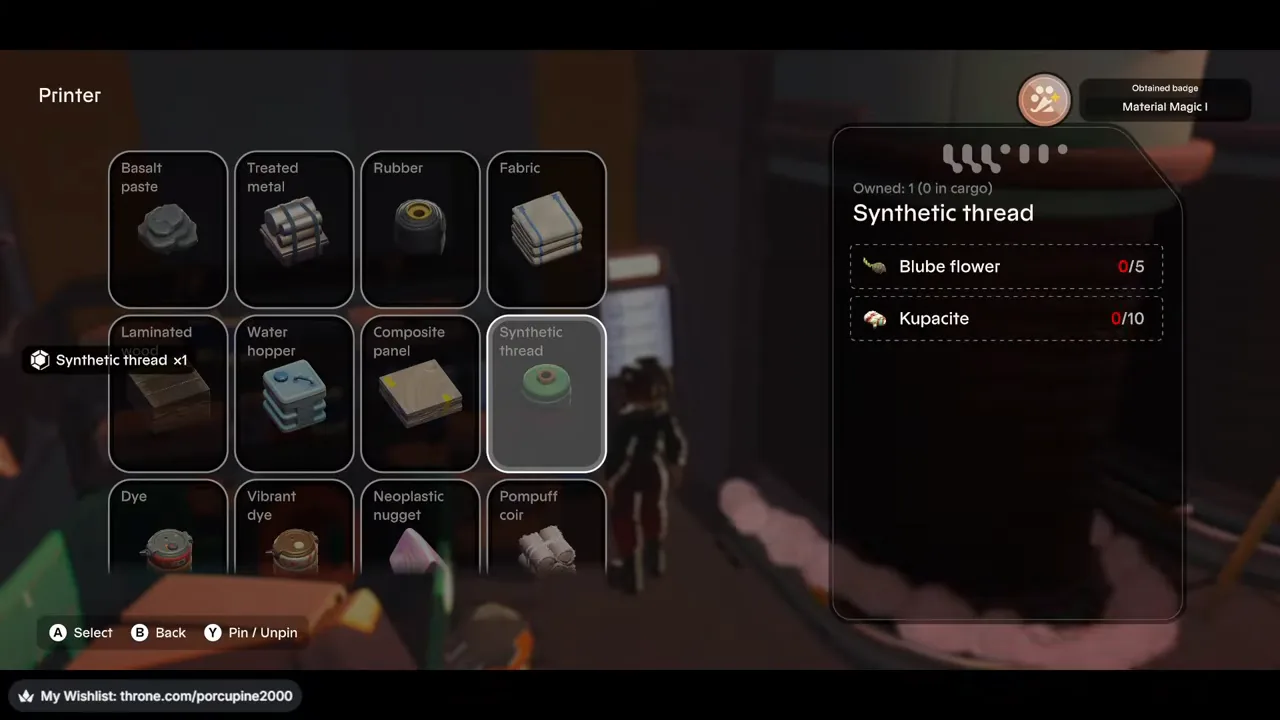
Confirm the print action while the recipe is marked Printable. The next recorded frame shows a Synthetic thread ×1 toast and the recipe panel changes to Owned: 1. Those two visible cues establish one item from this craft.
Give the thread to Morton
Leave the Printer and talk to Morton nearby. When the item-transfer screen opens, select the Synthetic thread so its icon appears under Selected Items. Then use Submit Items. The recording shows Y for that action; use the matching prompt on your screen.

Continue when Morton sends you to Archie
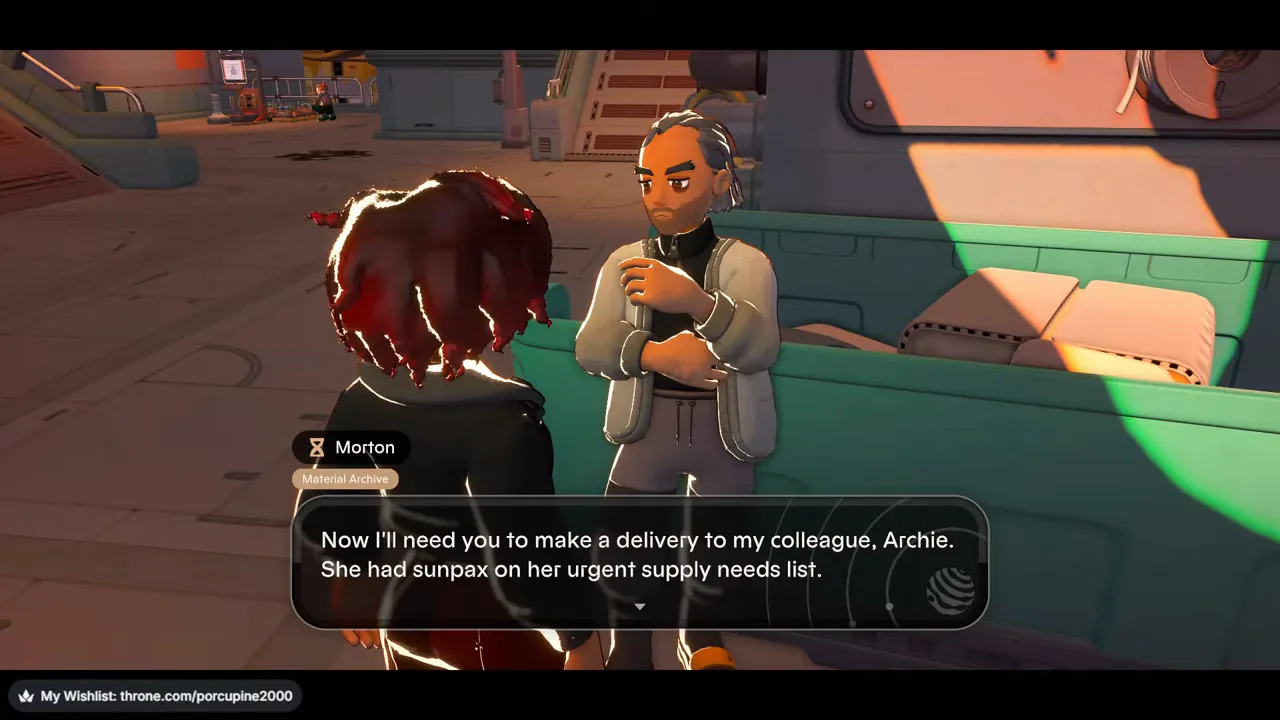
Keep talking after the hand-in. Morton’s next dialogue asks you to make a delivery to Archie, who has sunpax on an urgent supply-needs list. That dialogue marks the next assignment in this recorded sequence; this tutorial stops before the Archie delivery itself.
Recording and version limits
This walkthrough follows one public video uploaded September 1, 2026 and titled Young Suns 1.0. The footage does not establish its platform or executable build. It shows the complete Synthetic thread craft and Morton hand-in described above; it does not show Printer repair or guarantee that every later save uses the same recipe amounts or controls.