Locate the two reset labels
The launch interview names reactive dialogue and daily chats.
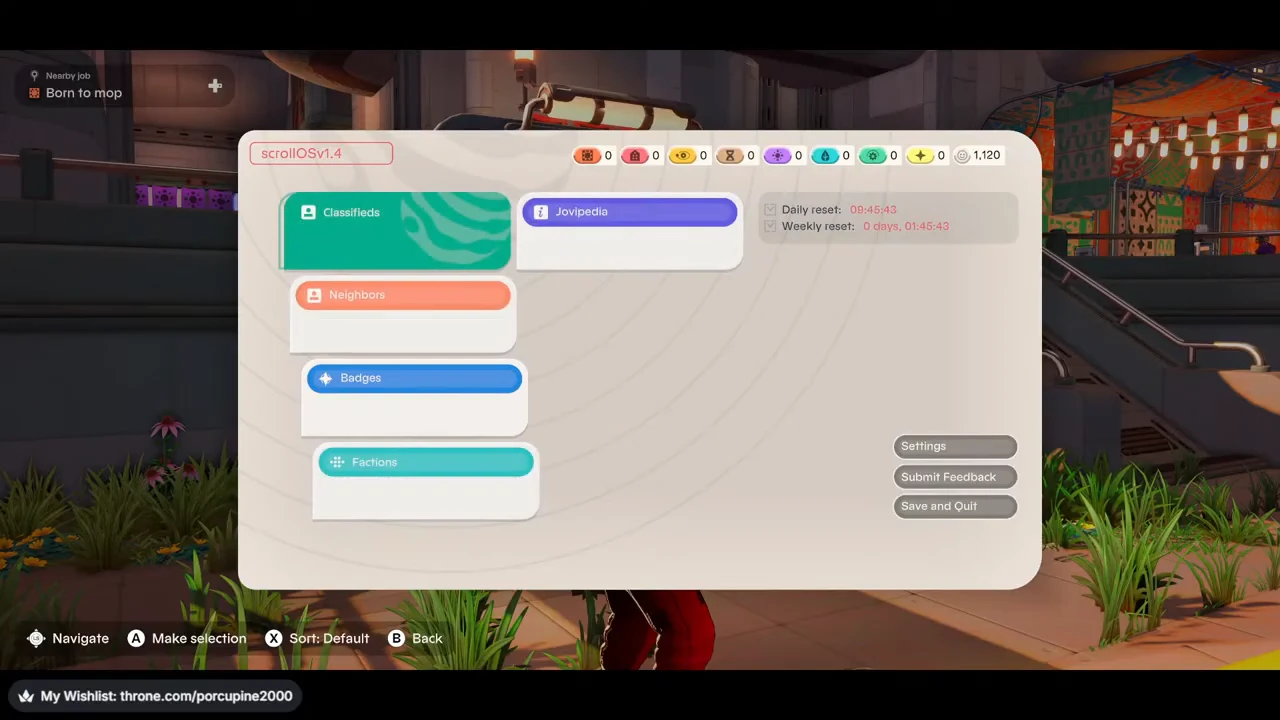
On the Scroll home screen, look at the upper-right block beside Jovipedia. Daily reset and Weekly reset are separate labels. In the pictured state they read 09:45:43 and 0 days, 01:45:43 respectively. Record both labels with the values; they are not interchangeable counters.
The screen does not say that every neighbor changes every line when either counter expires. The recording does not cross a documented chat reset, so these values cannot establish a universal conversation refresh time.
Choose an ordinary reply at Tuff
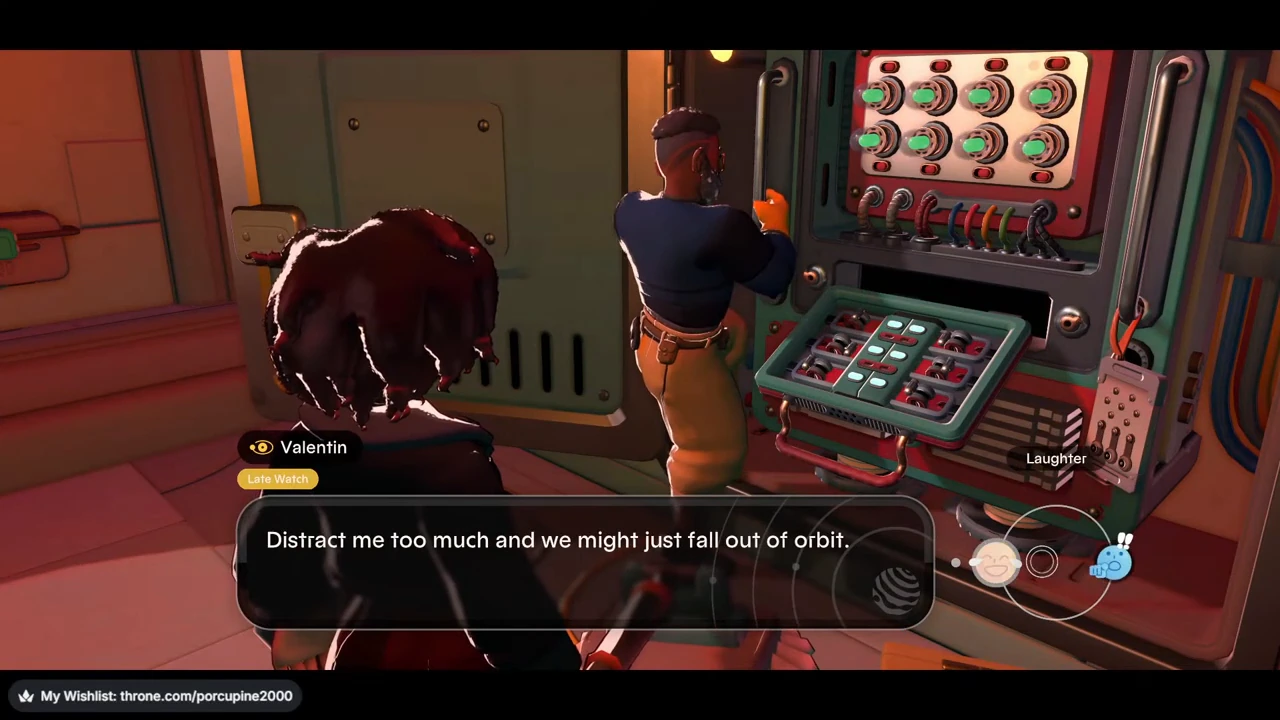
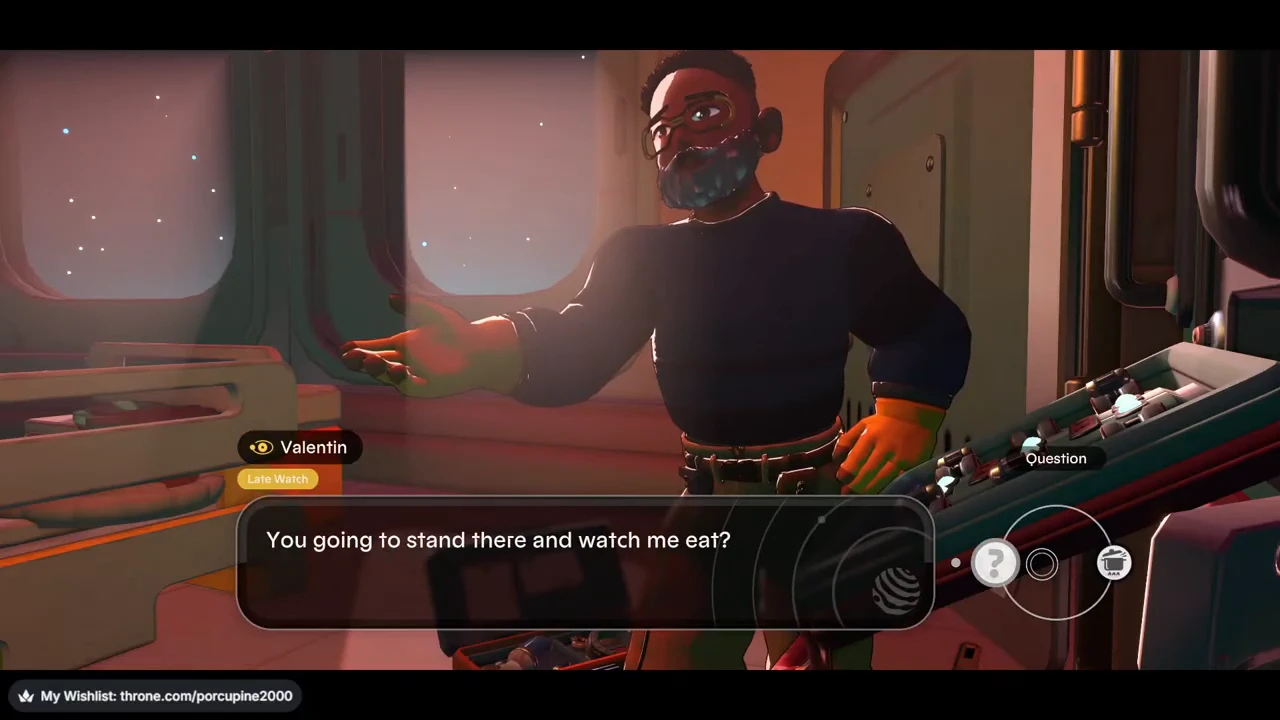
Find Valentin at Tuff’s wall control panel and use Talk to Valentin. In this exchange, the left response is Laughter and the right response is Shocked. Select Laughter on the left to follow the pictured branch.
This conversation occurs before the food delivery. It is an ordinary response wheel; the screen does not label it a separate Daily chat menu.
Read the response before recording a result
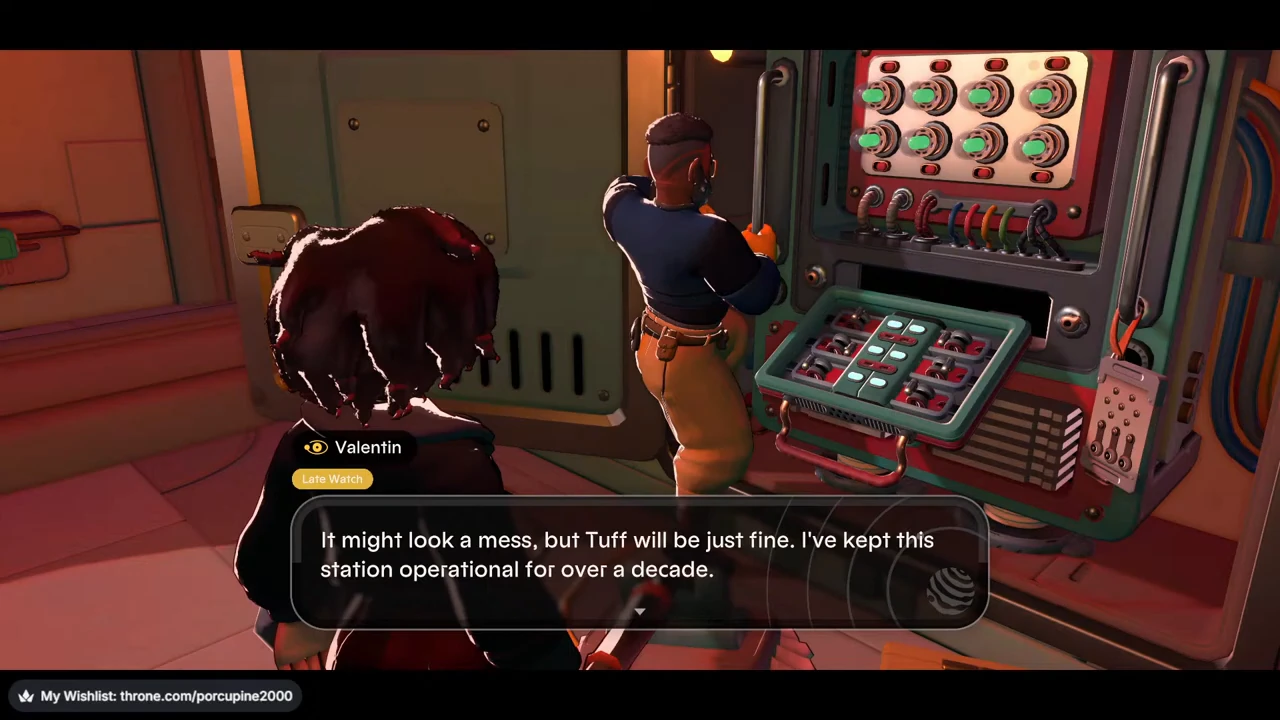
He appreciates the joke, then explains he has maintained Tuff for over ten years.
Use a short note with the contact, selected response and that background detail. It records what this branch revealed without inventing an affection reward. No numeric affection award appears in this sequence.
Attach the conversation to its task
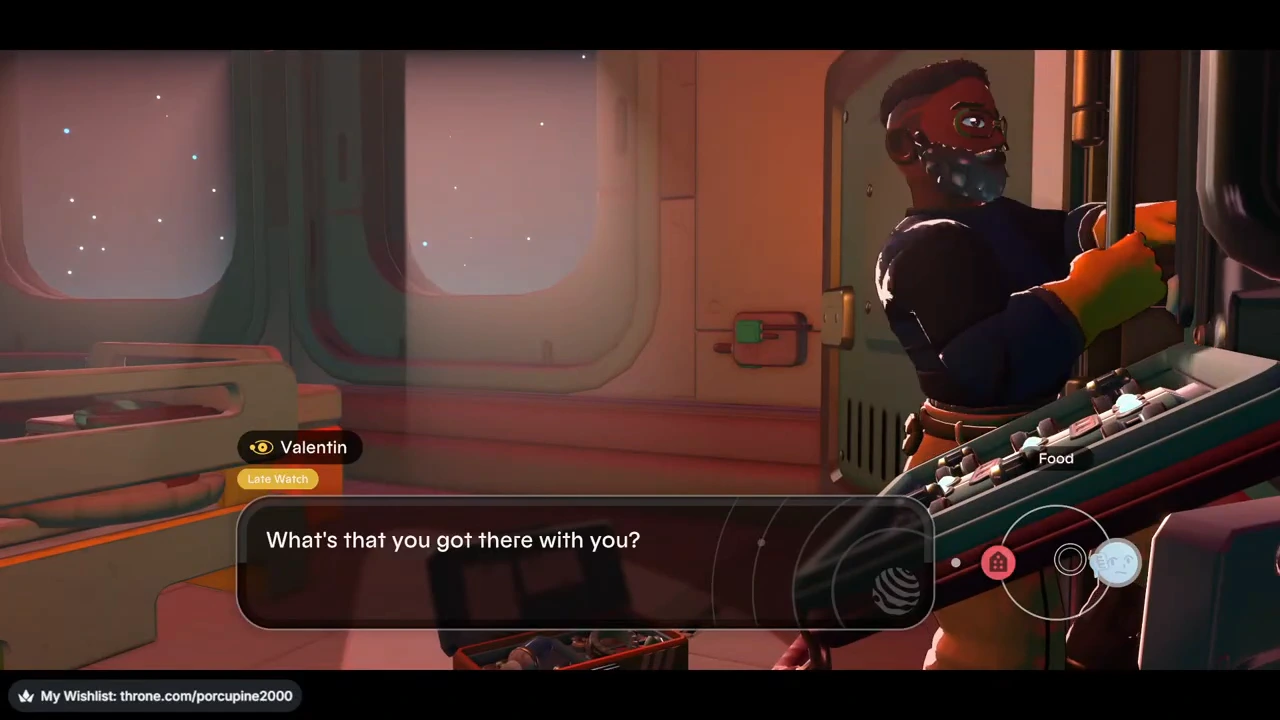
For a concrete example, find Valentin at the wall control panel on Tuff. The first observed conversation shows his name and Late Watch badge with response icons. Later, during Cee-Eye-Why, the wheel offers Food for a delivery. Use the Tuff cooking route for the preparation and handoffs.
When your goal is the delivery, choose Food. When your goal is comparing conversations, note that the active job and the offered response have changed before you attribute anything to a daily timer.
| Observed state | What to retain in your note |
|---|---|
| Before the delivery | Valentin; Tuff control panel; ordinary response icons visible. |
| Cooking handoff | Cee-Eye-Why; Food selected on the response wheel. |
| After the exchange | Question appears as an available response. A new option is visible, but no affinity-point total is displayed. |
Read a changed option without assigning a score
After the Food exchange, the visible wheel offers Question. That is a usable description of the changed interface. It does not prove which hidden rule selected the dialogue, and this single sequence does not prove that time alone caused the change.
A character’s faction badge identifies the faction shown in that conversation; it is not a numeric affection reward. Keep your note to the option you chose, the visible response state and any task instruction that followed. You do not need to copy the character’s speech.
Use a short record for the next visit
For another visit, use the same contact and keep the earlier note beside the new one. A useful entry contains only the fields that distinguish a timer change from a quest or reply change.
| Field | Write down |
|---|---|
| Time context | Your session date and the exact Daily reset / Weekly reset labels and values. |
| Contact | Name and observed station; use the task-contact directory if you need orientation. |
| Job context | Active job and current objective, including any handoff since the earlier chat. |
| Conversation | Selected response label and a brief description of the new option or visible result. |
Comparison boundary
If the job or selected response differs, mark the comparison as mixed rather than calling it a daily refresh. If nothing visible changes, record unchanged; that alone does not establish a bug or a relationship penalty.
These examples demonstrate an ordinary conversation branch and a later quest-context exchange, not a tested daily conversation calendar. The cited upload’s executable build and platform remain unverified.